

Solutions
One Platform,
Four Ways to Run It
A five-person office and a thirty-seat support team need the same reliability and very different setups. Here is how each one is put together.
Close more, chase less
Sales Teams
Every call lands in your call history, and recorded calls are summarised a minute or two after they end on Professional and Ultimate. Reps spend their day selling instead of writing up notes.
- Admin time saved
- AI writes the notes and action items for every recorded call
- Faster follow-up
- Action items appear on the call record a minute or two after the call
- Coachable calls
- Recordings per rep to coach against

- One-click dial from your contacts and favourites
- A sales line that rings the team in turn, so the first free rep gets the lead (Ultimate)
- Automatic call history, with call recording on Professional and Ultimate
- AI summary and action items after every recorded call (Professional and Ultimate)
- Caller ID control across your business numbers
Answer faster, resolve sooner
Customer Support
A shared support number rings the whole team at once, follows your opening hours on Ultimate, and smart voicemail flags the urgent messages first.
- Answered sooner
- A shared number rings every agent in the group together, or in turn
- Fewer escalations
- Urgent voicemails flagged so nobody waits on a callback
- Calls on record
- Recordings and AI summaries on Professional and Ultimate

- Shared support numbers that ring a chosen group of agents, all at once or in turn
- Business hours, holiday and after-hours routing with an auto-attendant menu, set up for you (Ultimate)
- Overflow to a second team or a shared mailbox when nobody answers (Ultimate)
- Smart voicemail with urgency flags and the callback number pulled out
- Call summaries, action items and caller tone (Professional and Ultimate)
- Warm and blind transfer, and merging calls into a three-way call
- Do Not Disturb when an agent needs heads-down time
One number, anywhere
Remote & Hybrid Teams
Your business number rings on desktop, mobile and deskphone at the same time. Nobody hands out a personal mobile again.
- One identity
- Same number and caller ID on every device
- Zero hardware
- Nothing to install on-site, nothing to maintain
- Team presence
- See who is free before you transfer a call
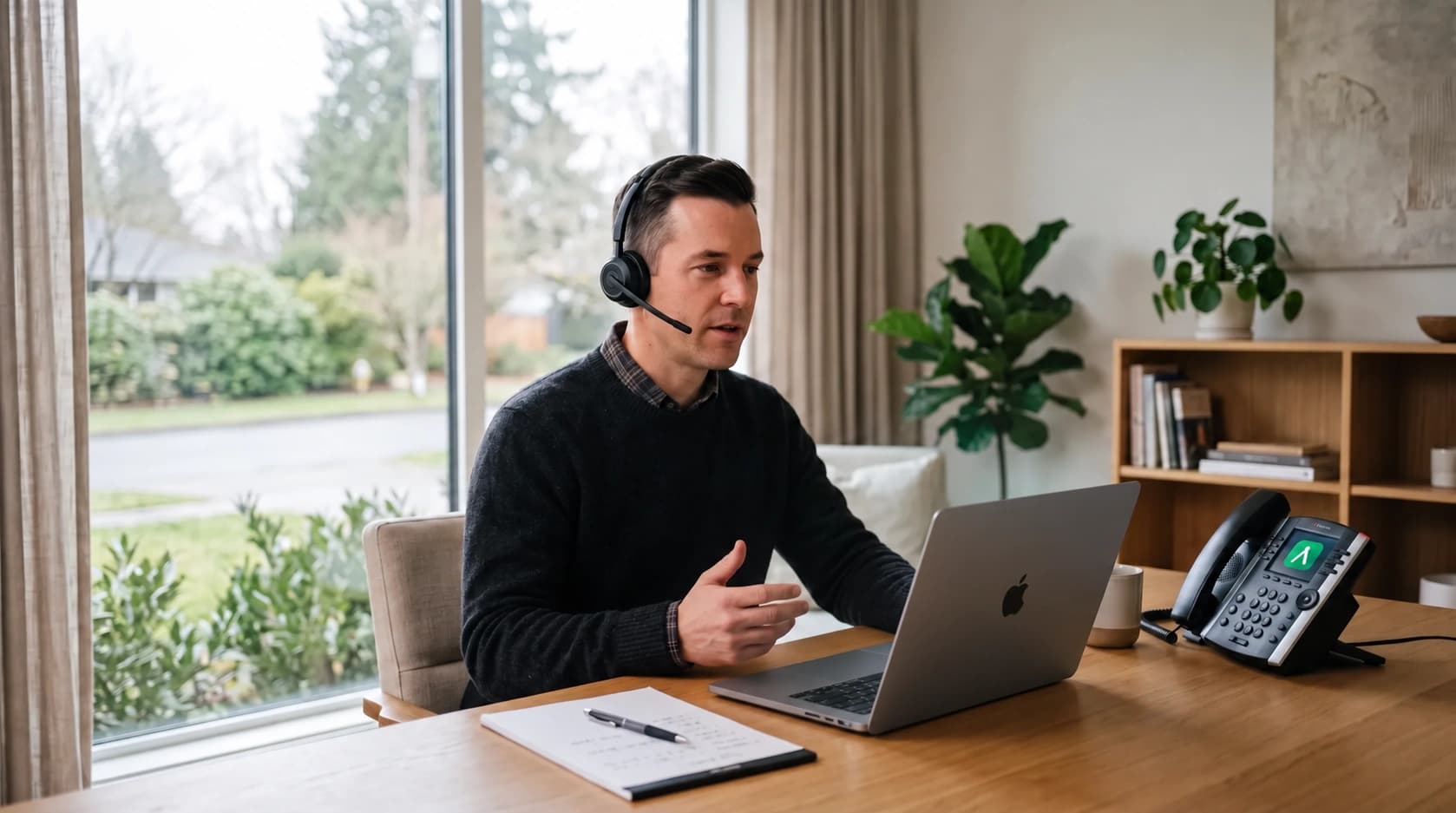
- Desktop and mobile apps that ring simultaneously
- Forward your extension to a mobile and keep the caller's number
- Move a live call from your desk phone to the app
- Presence and status across the whole directory
- Team chat, SMS and video from the same app
- Warm and blind transfer between remote colleagues
- Voicemail transcription delivered to email
Retire the PBX
Offices & HQs
Replace ageing on-premise hardware with a cloud system that scales by the seat - and bring your existing numbers with you.
- No maintenance
- No PBX, no line rental, no engineer visits
- Keep your numbers
- Port your existing UK numbers across to us
- Predictable cost
- Per-user pricing with unlimited UK calling from Professional

- Number porting from UK providers
- Shared department numbers that ring a group of colleagues
- Opening hours, holidays and a reception menu on your main number (Ultimate)
- Dial-by-name directory and a dial-in conference room with a PIN (Ultimate)
- Bring your own compatible SIP desk phone
- Call park, call pickup, intercom and hot desking on desk phones
- 999 / 112 emergency address registered per number
Industries
Regulated Sectors,
Handled Properly
Call recording retention and access control are configurable per tenant, and data is stored in the UK and EU - which is what makes AymexConnect workable in sectors that have to evidence how conversations are stored.

Not Sure Which Setup Fits Your Team?
Tell us how your calls flow today and we will map it onto the platform before you commit to anything.