
Apps & devices
Wherever You Work,
Your Number Follows
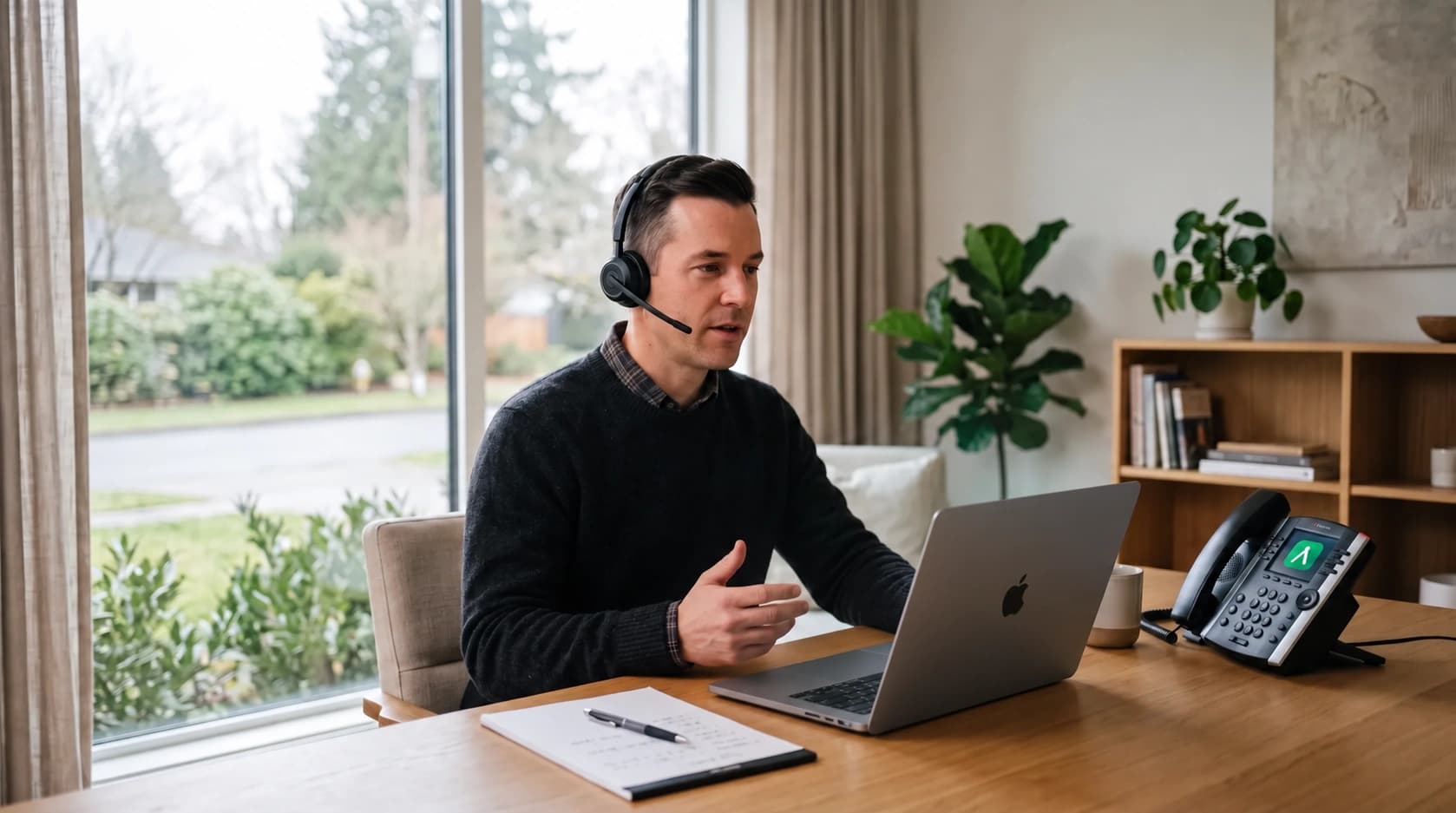
Desktop, mobile and your SIP desk phone all ring the same extension, and the browser portal holds your voicemail and recordings. No forwarding rules, no personal mobile numbers handed out.
Four ways in
The Same System,
On Every Screen
Pick whichever suits the moment. Every device uses the same business number, so customers always see the same caller ID.
Desktop App
Full-featured app for Windows, macOS and Linux with all the tools you need.
Mobile App
Take your business phone everywhere with iOS & Android apps.
Web Portal
No install needed - join meetings and manage voicemail, recordings and settings from any modern browser.
SIP Desk Phones
Bring your own compatible SIP desk phone and it rings on the same extension.
Desktop
A Proper Desktop App,
Not a Wrapped Website
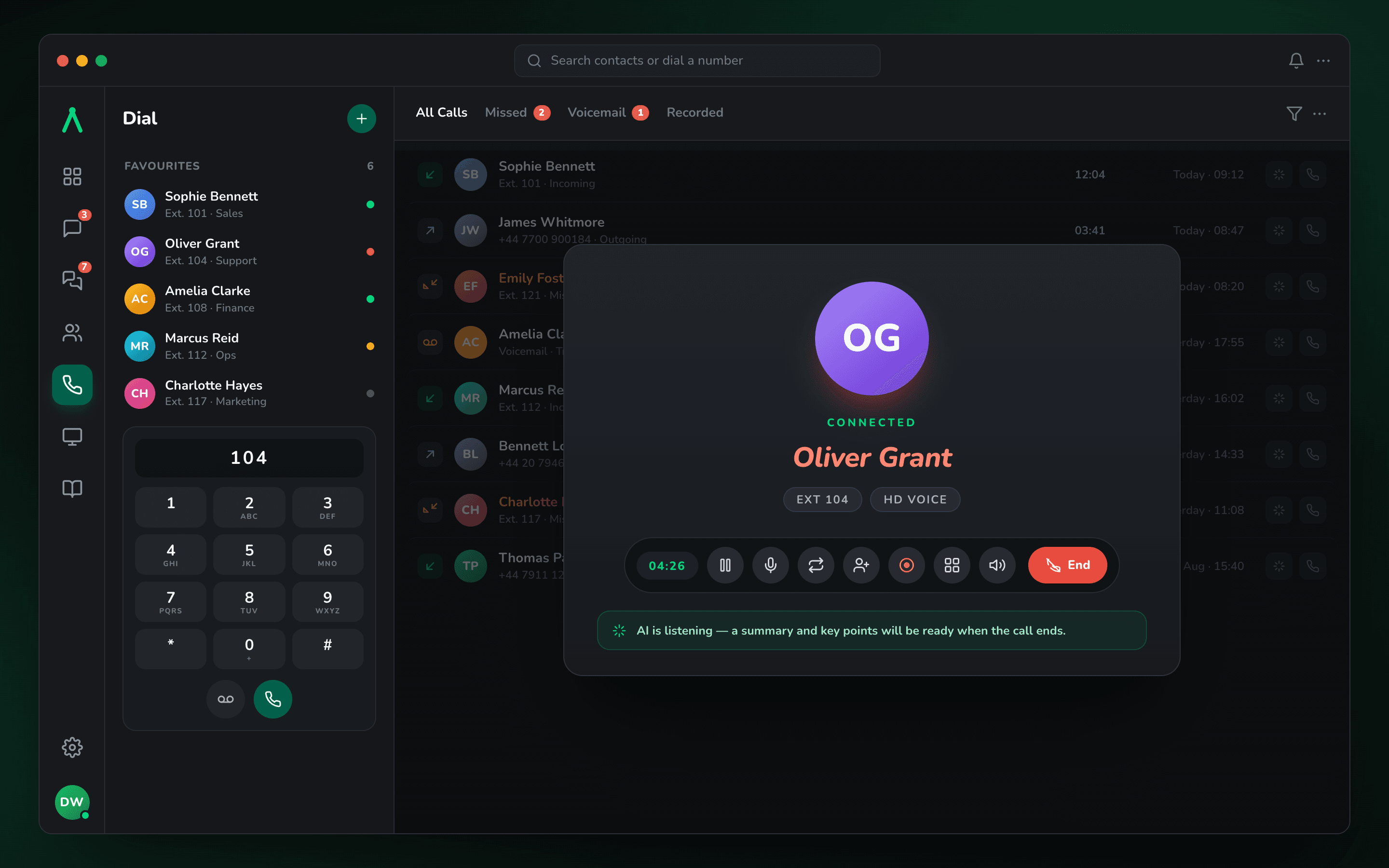
System tray presence, native notifications, keyboard shortcuts and one-click updates - on Windows, macOS and Linux.
Hardware
Bring Your Own
Desk Phone
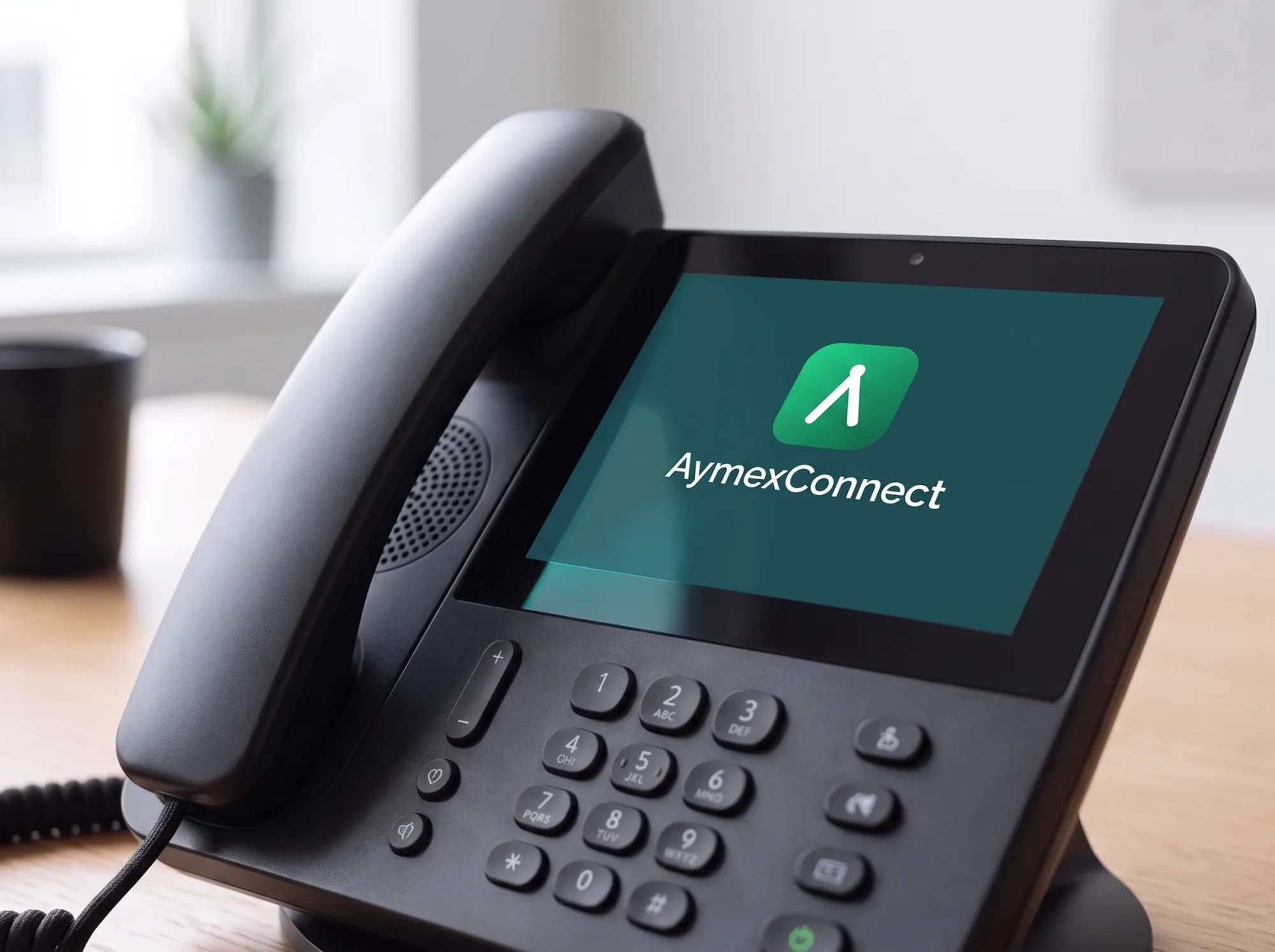
Some roles still want a handset on the desk. Connect your own compatible SIP desk phone to any user's extension and it rings alongside the apps.
- Works with standard SIP desk phones and ATAs
- Add the phone to a user in the dashboard and enter its SIP details on the handset
- Keep the handsets you already own - we don't sell or ship hardware
- Works alongside the apps: every device rings at once
- Short codes for call park, pickup, intercom, hot desking and call forwarding
- Move a live call from the handset to the app and back